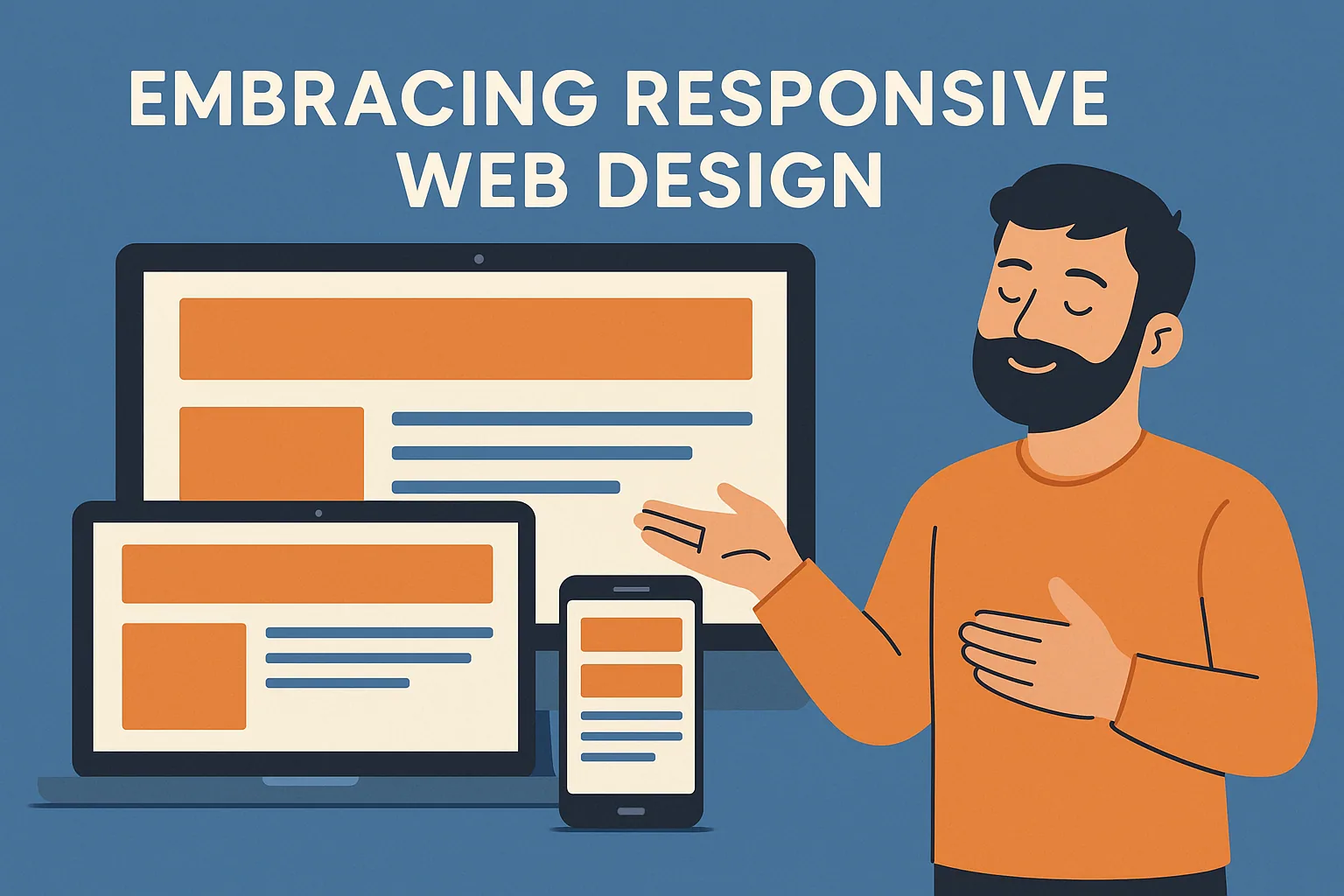
Embracing Responsive Web Design
In this article, we’ll unpack the significance of responsive web design for modern ecommerce brands, specifically in 2025 and beyond. You’ll learn how mobile-first strategies, accessibility standards, and cross-device performance are no longer nice-to-haves but business-critical essentials. We’ll dive into design strategies like fluid grids, performance optimization tips, and why tools like Flexbox and responsive audits matter. We’ll also explore how inclusive design principles and behavior-based personalization are changing the game for ecommerce UX. Whether you’re preparing to scale or just looking to modernize your store, this article gives you everything you need to create a responsive, future-ready digital storefront.
Why Responsive Design Isn’t Just Design Anymore
Responsive design has evolved from an aesthetic choice to an ecommerce imperative. In a world where over 70% of users shop from mobile devices, your website can no longer afford to be “desktop-first.”
At Easy Ecommerce Marketing, we’ve seen firsthand how businesses lose potential customers simply because their site wasn’t flexible enough. Whether a user is browsing from a desktop at work or from a tablet on the go, their experience must feel native, fluid, and intentionally crafted.
“A responsive site isn’t just about how it looks—it’s about how it feels. And more importantly, how it performs across all screen sizes.”
Understanding the Foundations of a Responsive Strategy
The foundation of a responsive site begins with a mobile-first approach—a design principle that prioritizes smaller screens and scales up. This method enforces clarity and simplicity, ensuring that content, layout, and navigation work harmoniously across:
- Mobile phones
- Tablets
- Laptops
- Desktops
- Smart TVs and even wearable tech
But this is just the starting point. A well-structured responsive framework also integrates:
- Fluid grids for layout flexibility
- Scalable media for resolution independence
- CSS Grid and Flexbox for layout control
- Media queries to control breakpoints based on device width
These tools are essential in creating adaptive designs that reshape themselves based on user behavior and device context.
Performance is the Silent Deal-Breaker
You might have stunning visuals and sleek navigation, but if your page takes too long to load, users will bounce—often in under 3 seconds. Page speed isn’t just a UX issue anymore; it’s a ranking factor in Google’s algorithm. That means Core Web Vitals and performance optimization can directly impact your visibility on search engines.
To combat speed issues, modern responsive design relies on:
- Compression techniques for faster image loading
- Flexible content containers to reduce rendering time
- Minimalist, asynchronous scripts that load in the background
Each of these tactics supports a high-performing, device-agnostic web experience that feels seamless whether you’re browsing on a high-end laptop or a budget smartphone.
Looking to understand how your own site stacks up? Consider a Free Audit to uncover hidden performance issues.
Elevating UX Through Personalization & Adaptability
The future of ecommerce isn’t just responsive—it’s intelligently responsive. In 2025, it’s not enough to deliver a consistent experience across screens; you must adapt dynamically to individual users.
Modern responsive sites are beginning to incorporate AI-driven personalization, which allows for:
- Behavior-based adaptation, such as adjusting layouts based on time of day or previous browsing patterns
- Real-time customization of product listings and CTAs
- Content prioritization using historical data and scroll depth
For example, a returning visitor might see different homepage sections than a first-time visitor. Similarly, navigation menus can shift based on device type or even location.
If you want to integrate such features without overwhelming your site’s structure, our services can help design a custom responsive experience that evolves with your audience.
Inclusive Design and Compliance: Beyond Aesthetics
A modern ecommerce website must do more than just look good and load fast—it must also be accessible to everyone, regardless of ability.
Complying with accessibility standards such as WCAG 2.1 is no longer optional. It's a legal requirement in many jurisdictions and a trust-building signal to consumers. Accessible sites incorporate:
- Scalable text and high-contrast modes for visually impaired users
- Keyboard navigability for users unable to use a mouse
- Responsive AR/VR interfaces for future-forward experiences
- Voice-responsive UI features that are becoming more relevant with smart speakers and wearables
When layered on top of responsive foundations, inclusive design ensures a consistent and comfortable experience for all users, regardless of device or ability.
“Accessibility isn’t a feature—it’s a responsibility.”
And remember: implementing these principles also contributes to SEO benefits, as search engines increasingly factor usability and accessibility into rankings.
SEO: The Quiet Force Behind Visibility
Responsive design directly impacts how your site performs in search results. A few years ago, mobile-first indexing was rolled out by Google, meaning your mobile experience is what gets indexed first—not desktop.
So what are the SEO levers tied to responsive web design?
- Search engine visibility is enhanced when pages load fast, don’t shift content around, and remain crawlable across screen sizes.
- Reduced bounce rate signals quality user experience to search engines, helping you climb the ranks.
- Cross-platform consistency—where titles, descriptions, and layouts remain contextually appropriate—keeps users engaged longer, improving time on site and interaction heatmaps.
If you’re unsure how your site stacks up for SEO-readiness in a responsive context, we suggest running a performance-focused audit using mobile emulators and responsive audit tools.
Future-Proofing with Smart Security & Tech Trends
While much of the conversation around responsive design focuses on layout and performance, we can't ignore security—especially in ecommerce. As users shift between devices, session integrity, secure mobile navigation, and GDPR-friendly UX must be preserved across every touchpoint.
You’ll also want to ensure your cookie consent design scales responsively. Many pop-ups are optimized for desktops but break on smaller screens—a UX and legal risk combined.
Meanwhile, responsive web apps (RWAs) are growing in popularity, blurring the line between traditional websites and mobile apps. These can function offline, support push notifications, and respond contextually to user behavior. While not suitable for every brand, RWAs are becoming a go-to for ecommerce businesses seeking performance without sacrificing experience.
Responsive Design Best Practices in 2025
Let’s recap some essential principles that guide successful ecommerce responsiveness today:
- Start mobile-first. Design your site for mobile, then scale up to larger screens.
- Use modern frameworks like Tailwind CSS, Flexbox, and CSS Grid to build fluid layouts.
- Implement responsive testing using both manual testing on real devices and emulators.
- Keep your media flexible—optimize images and videos for various breakpoints using media queries.
- Prioritize content with logical hierarchy to guide user behavior across screen sizes.
- Monitor Core Web Vitals using tools like Lighthouse or PageSpeed Insights to maintain performance and visual stability.
And most importantly: build for humans, not just for screen dimensions.
Real-World Ecommerce Impacts of Responsive Design
At Easy Ecommerce Marketing, we’ve worked with a variety of online brands—each with different challenges, industries, and target audiences. But one pattern always emerges: when responsive design is prioritized, metrics improve.
Here are a few performance shifts we’ve witnessed after implementing a responsive overhaul:
- Bounce rates dropped by 23–40% on mobile devices after switching to mobile-first layouts
- Session duration increased by over 30%, driven by cleaner content prioritization and adaptive UI behavior
- Cart abandonment decreased on tablets and phones thanks to optimized navigation and mobile-friendly checkout design
- Brands achieved improved engagement through personalized homepage content delivered based on scroll depth and session time
These aren’t hypotheticals—they’re the result of a strategic, data-informed design process focused on real users, not just screen dimensions.
If you’re curious how your ecommerce store is currently performing, start with a Free Audit—a no-cost way to identify friction points and responsive design gaps.
Tools to Evaluate and Improve Responsiveness
Ensuring a site is responsive means more than viewing it on your phone once in a while. It requires structured testing and ongoing iteration. Here are some essential tools and platforms we recommend:
- Google Lighthouse: Evaluate Core Web Vitals, accessibility, and performance across mobile and desktop
- Responsively App: Test how your site appears across dozens of screen sizes simultaneously
- BrowserStack or LambdaTest: Perform cross-browser testing and emulator testing without managing dozens of devices
- Wave or Axe DevTools: Audit for accessibility and inclusive design adherence
- Hotjar or Microsoft Clarity: Analyze interaction heatmaps, scroll depth, and time on site metrics
These tools help inform decisions on what to improve, where friction occurs, and how well your responsive UI serves actual visitors.
The Ultimate Responsive Ecommerce Checklist
To bring everything together, here’s a practical checklist you can use to guide your store’s responsive transformation:
Layout & Design
- Implement a mobile-first approach using fluid grids and scalable media
- Use CSS Grid, Flexbox, and media queries to manage breakpoints and hierarchy
- Structure content using content prioritization for small screens
UX & Accessibility
- Ensure full WCAG 2.1 compliance (scalable fonts, keyboard navigation, contrast)
- Support device-agnostic usability on phones, tablets, and desktops
- Include GDPR-friendly UX features like mobile-compliant cookie banners
Performance & SEO
- Minimize render-blocking scripts and implement compression techniques
- Monitor Core Web Vitals and optimize for page speed
- Validate that your site meets Google’s mobile-first indexing standards
Testing & Personalization
- Run regular cross-browser testing and responsive audits
- Integrate AI-driven personalization and behavior-based adaptation
- Continuously test using emulators and device farms
Final Thoughts: Responsive Design is Strategic, Not Cosmetic
It’s tempting to think of responsive design as “just a developer task,” but in truth, it’s one of the most strategic investments a brand can make in today’s ecommerce landscape. It influences:
- How people experience your brand
- Whether they stay, buy, or bounce
- How well your site ranks on Google
- And how your business scales across future devices and platforms
And with Easy Ecommerce Marketing, you're not just hiring designers—you’re getting a strategic partner committed to conversion, compliance, and continuous improvement.
Whether you’re launching a new site or refining an existing one, start by getting clarity. Explore our services or claim your free site audit today.
FAQ: Embracing Responsive Web Design
1. What’s the difference between responsive, adaptive, and mobile websites?
- Responsive websites use flexible grids and media queries to adapt seamlessly across all screen sizes.
- Adaptive websites load pre-set layouts based on detected device types.
- Mobile websites are often separate versions designed specifically for smaller screens.
Responsive design is preferred today because it provides one dynamic site that adjusts to all devices.
2. Is responsive design still relevant if most of my traffic is desktop-based?
Absolutely. Even if a majority of your users are on desktop today, device trends change rapidly. Responsive design ensures you're ready for shifts toward mobile, tablets, foldables, and even smart TVs or kiosks in the future.
3. Do I need a separate app if I have a responsive website?
Not necessarily. Many ecommerce brands choose responsive web apps (RWAs) instead of native apps. These behave like apps (e.g., offline support, push notifications) but run through the browser—lowering costs and simplifying maintenance.
4. How often should I test my website’s responsiveness?
You should test:
- Before any major update or feature launch
- Quarterly, as new devices and browsers are released
- After installing new plugins or third-party scripts
Frequent testing ensures you’re catching issues before they affect real users.
5. Will a responsive design affect my branding or visual identity?
Not if done correctly. A skilled design team will preserve your brand’s aesthetic while creating layouts that work across all devices. In fact, a responsive site often enhances brand trust by providing a consistent experience everywhere.
6. Is it expensive to redesign a site to be fully responsive?
Costs vary depending on your site’s complexity, but responsive redesigns are generally a smart long-term investment. They reduce the need for multiple site versions and can lead to higher conversions and lower bounce rates.
7. What’s the ROI of investing in responsive web design?
- Better user engagement
- Lower bounce and exit rates
- Higher mobile conversions
- Improved SEO and organic traffic
- Reduced long-term maintenance costs
Over time, the gains in performance and discoverability often outweigh the initial investment.
8. Does responsive design help with local SEO or voice search?
Yes. A fast, mobile-friendly site helps you rank better in local mobile searches. Voice-responsive UI and mobile-friendly architecture also make your site more accessible to users searching via smart assistants like Siri or Google Assistant.
9. What industries benefit most from responsive design?
Responsive design benefits all industries, but it’s especially impactful in:
- Ecommerce and retail
- Education
- Healthcare
- Hospitality and travel
- Professional services
Any industry where user trust, speed, and ease-of-use are crucial will see ROI from responsiveness.
10. Can I make my current website responsive without starting from scratch?
Often, yes. You may be able to implement responsive elements such as flexible content blocks, media queries, and mobile-friendly navigation without a full rebuild. However, outdated frameworks may require a partial or complete redesign to meet modern standards.