Putting Users First: User-Centered Web Design
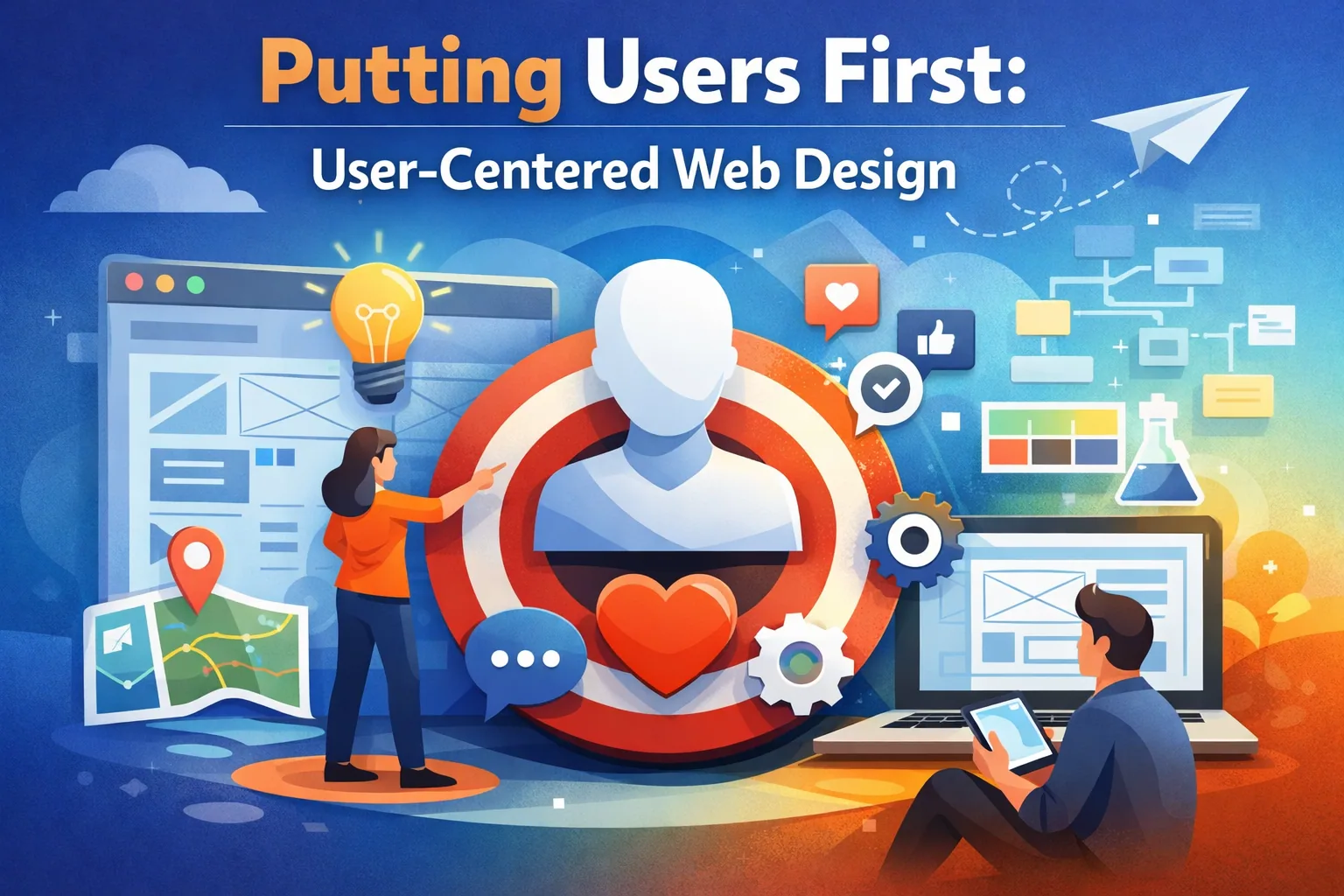
This article breaks down how the philosophy of Putting Users First: User-Centered Web Design isn’t just a best practice—it’s the foundation of modern digital experiences that drive real conversions. Whether you're a growing brand, like Easy Ecommerce Marketing, or an enterprise trying to boost ROI, adopting User-Centered Design (UCD) means building empathy into your strategy, refining your site with usability testing, and reducing cognitive load to create intuitive, delightful user journeys.
You’ll learn:
- What UCD is and why it matters for ecommerce brands
- The role of user research, personas, and journey mapping
- How iterative design, mobile-first principles, and accessibility build trust
- Ways to design smarter with prototyping, task flows, and real-time feedback
- Why investing in content strategy and conversion optimization pays off
Along the way, we’ll connect the dots between user-centered design and some of Easy Ecommerce Marketing’s services to show how these ideas translate into tangible business growth.
Why “Putting Users First” Isn’t Just a Catchphrase
In a world where attention spans are shrinking and competition is fierce, your website is more than a storefront—it's your first impression, your sales pitch, and your customer service desk rolled into one. That’s why Putting Users First: User-Centered Web Design is not optional anymore. It's essential.
User-Centered Design (UCD) is about designing from the outside in—starting with the user's needs, behaviors, and goals before a single wireframe is drawn.
“Design is not just what it looks like and feels like. Design is how it works.” – Steve Jobs
At Easy Ecommerce Marketing, we embody this philosophy across every touchpoint. Whether we’re optimizing a product page or rethinking a checkout experience, our approach begins and ends with the user’s journey.
Building on Empathy: The Cornerstone of UCD
Empathy isn’t a soft skill in design—it’s a strategic advantage. When you understand what your users feel, you can build experiences that work.
Empathy-led design starts with questions like:
- What’s frustrating my users?
- What motivates them to click “buy now”?
- Where are they dropping off and why?
By conducting structured user research, you tap into data that humanizes your design. You might start with surveys, interviews, or even reviewing session replays. Platforms like Hotjar or Google Analytics help uncover friction points where users hesitate or bounce.
From these insights, you can shape personas—fictional representations of your ideal customer types. A persona isn't a vanity exercise; it's a practical tool to ensure every CTA, form field, and microinteraction is tailored to real people, not abstract averages.
Journey Mapping: Visualizing Success, Step by Step
Understanding your user doesn’t stop with empathy. You also need to map the journey.
Journey mapping involves charting every touchpoint—from the first impression (a blog post or ad) to conversion (a checkout or sign-up). Each point should:
- Anticipate user goals
- Minimize confusion
- Offer timely real-time feedback
- Deliver content that feels like a conversation, not a broadcast
A good journey map also flags potential cognitive load—those moments when users are forced to think too hard or make decisions without enough context. Smart UI and progressive disclosure help users focus only on what matters in the moment.
Take, for example, our streamlined approach to service sign-ups. By refining each stage of the process using real user insights, we reduced user abandonment and improved conversion rates. Want to see what we could do for your own funnel? Request a free UX audit and we’ll walk through your existing setup.
Wireframes, Prototypes & Iterative Design: Start Lean, Learn Fast
Instead of aiming for perfection from day one, iterative design embraces the idea that good UX is born from testing, not guessing.
Here's how it usually looks:
- Wireframes map structure and hierarchy
- Prototypes simulate interactions and user paths
- Usability testing reveals what works—and what doesn’t
- Feedback leads to refinements
- Repeat
Each loop through this process is a feedback loop, getting you closer to a seamless, high-converting experience. The goal? Strip away anything that causes decision fatigue or user error.
Don’t underestimate the power of small changes. Sometimes, shifting a CTA button or trimming copy to improve scannability can lift conversions by double digits. This is the power of design thinking in action: test-driven, human-focused, and strategically sound.
Collaboration Drives Better Results
User-centered web design isn't a solo act. It thrives on cross-functional collaboration between:
- Designers
- Developers
- Marketers
- Stakeholders
- Real users
Collaboration allows everyone to stay aligned with user goals and business goals simultaneously. At Easy Ecommerce Marketing, our service model is built around tight-knit collaboration, which allows us to design and deploy faster while staying grounded in real-world performance data.
We also use modular design systems to ensure consistency, accessibility, and faster iterations across teams. These systems define everything from button states to form layouts—creating a UX that feels reliable, polished, and intuitive.
Designing for Mobile-First Users
It’s no longer enough for a website to look good on mobile—it must perform flawlessly.
A truly mobile-friendly or responsive design doesn’t just shrink content. It rethinks hierarchy, prioritizes critical tasks like navigation and checkout, and simplifies interactions down to a thumb-sized science.
Consider this:
- CTAs should always be visible without scrolling.
- Forms should minimize required fields and support autofill.
- Navigation should use accordion menus or sticky nav bars for ease.
- Tappable elements must be spaced for fat thumbs and quick decisions.
Responsive design also benefits from flat design principles—clean, uncluttered layouts that make scanning and interacting on small screens effortless.
At Easy Ecommerce Marketing, we apply these principles across all our client builds, ensuring every site is mobile-optimized from the ground up, not retrofitted after the fact.
Accessibility Is Non-Negotiable
Accessibility isn’t just about checking boxes—it’s about opening your brand up to every potential customer.
Designing for accessibility includes:
- Meeting WCAG guidelines
- Adding alt text and descriptive labels
- Ensuring proper color contrast
- Supporting keyboard navigation
- Using semantic HTML for screen readers
It also means considering users with temporary or situational disabilities, like someone using your site in direct sunlight or one-handed while commuting.
Inclusive design extends beyond visual accessibility. It involves representing diverse audiences in imagery, using gender-neutral language, and building content that doesn’t assume prior technical knowledge.
When you take the time to prioritize accessibility, the payoff is tangible. You increase reach, improve SEO, and, most importantly, create a brand reputation built on trust and inclusivity.
Content Strategy: Your UX Secret Weapon
Many ecommerce brands spend hours on their layouts and visuals but overlook content as part of the user experience.
But in reality, content is UX.
Effective content strategy ensures your users:
- Know where they are
- Understand what to do next
- Trust the product or service being offered
Your content should reflect a consistent voice and tone—friendly, informative, and customer-focused. Avoid jargon. Use short paragraphs, bullets, and bolding to boost scannability.
One overlooked principle in great content design is progressive disclosure. This means revealing only the information needed at each stage. For example:
- Show product benefits before technical specs
- Ask for a user’s email after showing value
- Offer shipping info only when a product is in the cart
These techniques reduce cognitive load, especially for new users, and guide them naturally through your task flows.
Need help crafting high-converting content that aligns with user expectations? Our services page outlines how we blend storytelling, SEO, and UX copywriting for maximum impact.
Creating Delight with Microinteractions
Microinteractions are the small, often overlooked moments that add polish and personality to your site:
- A heart icon animating when a product is saved
- A cart icon updating in real-time as items are added
- A subtle success message after signing up
They’re not just decorative. Microinteractions deliver real-time feedback—confirming to the user that their action was successful, keeping them engaged and informed.
But these details must be purposeful. Overdo it, and you’ll risk clutter or distraction. Done well, though, they contribute to emotional design—interfaces that feel responsive, human, and even enjoyable to use.
Conversion Optimization Starts with UX
UX and conversion optimization are two sides of the same coin. Great design doesn't just look good—it drives results.
By aligning your task flows with your user’s motivations, reducing friction points, and streamlining navigation, you naturally increase conversion rates. This might include:
- Clear, consistent CTAs across every page
- Inline validation in forms to catch errors in real time
- Reducing distractions during checkout with a focused design
Even minor improvements—like changing button text based on user intent or surfacing trust signals earlier—can lead to double-digit lifts in conversion.
Want data to back up your decisions? A/B testing and heatmaps are essential tools for understanding user behavior and refining your experience iteratively.
These insights feed back into your feedback loops, helping you refine with purpose instead of guessing what works.
Scaling with Consistency: The Role of Design Systems
As your brand grows, so do the complexities of your digital presence. What starts as a few pages can quickly turn into a sprawling network of landing pages, product detail views, and marketing components. Without a plan, inconsistency creeps in—leading to confusing user experiences and design debt.
This is where design systems come in.
A design system is more than a style guide. It’s a library of reusable components, patterns, and standards that keep your website cohesive, accessible, and scalable. Think: buttons, form fields, color palettes, and spacing rules—all documented and built to work together.
With a well-executed design system:
- Developers can build faster using pre-defined components
- Designers spend less time reinventing layouts
- The site feels unified across every screen and section
- WCAG-compliant elements are built in from the start
At Easy Ecommerce Marketing, we help clients implement scalable design systems that streamline future updates, reduce errors, and maintain a high standard of UX even as your content grows.
Heuristic Evaluation: Catching Flaws Before They Cost You
No matter how experienced your team is, usability issues can (and will) sneak in. That’s why a heuristic evaluation—a structured method of reviewing your site against known usability principles—is so valuable.
These evaluations look at key areas like:
- Visibility of system status (Is the user always informed?)
- Match between system and the real world (Is terminology familiar?)
- User control and freedom (Can users easily undo actions?)
- Consistency and standards (Are similar elements behaving similarly?)
- Error prevention and error recovery (Can users recover gracefully?)
For example, a product page might display an error message that’s too vague—“Something went wrong” vs. “Please enter a valid email address.” These small details make a big impact on user trust and task completion.
We often include heuristic reviews as part of our free UX audit, giving clients actionable recommendations to improve performance before investing in a full redesign.
Designing for Error Recovery: Confidence = Conversions
Mistakes happen. Users type things wrong, click the wrong link, or get lost. A user-centered website doesn’t punish these mistakes—it helps users recover from them.
Effective error recovery includes:
- Clear error messages with guidance
- Easy “Undo” or “Back” options
- Safe defaults (e.g., cart items not disappearing after a session timeout)
- Autosave in forms or long inputs
- Visual indicators of where things went wrong
These may sound minor, but reducing user frustration often means the difference between a completed purchase and an abandoned session.
A brand that helps users feel confident in correcting their mistakes earns trust—and trust leads to loyalty.
Feedback Loops: The Engine of Continuous Improvement
The best user-centered websites aren’t static—they evolve based on ongoing feedback.
By creating feedback loops, you can learn from actual user behavior and make data-informed design decisions. Some common feedback tools include:
- Post-purchase surveys
- Session recordings and heatmaps
- Customer support transcripts
- Live chat logs
- On-site polls or feedback widgets
The key is not just collecting data—but closing the loop by turning insights into improvements.
“You can’t improve what you don’t measure.” — Peter Drucker
Whether you’re A/B testing new layouts, tweaking copy, or refining mobile navigation, each loop helps refine your UX and boost performance over time.
We help clients set up these feedback systems to ensure design never becomes guesswork. Everything is tested. Everything is intentional.
Bringing It All Together: A Holistic UCD Approach
Let’s recap what Putting Users First: User-Centered Web Design truly involves:
- Research & empathy to understand your users at a core level
- Journey mapping to visualize how they move through your site
- Iterative design and usability testing to refine with confidence
- Content strategy that aligns voice and tone with intent
- Accessibility and inclusive design to reach all users
- Design systems and heuristics to scale UX without compromise
- Feedback loops that drive continuous optimization
Each piece builds on the next—resulting in a site that feels seamless, intuitive, and human.
At Easy Ecommerce Marketing, this isn’t just theory. It’s the exact process we use to help ecommerce brands grow.
Whether you're launching a new store or reimagining your current one, we're here to help you design for people—not just pixels.
Ready to Put Users First?
If you're curious about how your current website stacks up—or if you’re ready to apply these principles to your own digital experience—we offer a free UX and marketing audit.
You’ll receive actionable insights tailored to your brand and audience—no generic fluff.
Because at the end of the day, putting users first is the most powerful marketing move you can make.
FAQ: Putting Users First in User-Centered Web Design
Below are 10 frequently asked questions around Putting Users First: User-Centered Web Design, designed to clear up misconceptions and help you take actionable next steps in building better, user-focused digital experiences.
1. What is the difference between user-centered design and customer-centric design?
User-centered design (UCD) focuses on optimizing the experience of users interacting with your website or product, regardless of whether they’re paying customers. Customer-centric design zooms out further, focusing on the entire customer lifecycle—from marketing and onboarding to service and retention. UCD is often a subset of a broader customer-centric strategy.
2. How early should users be involved in the design process?
Ideally, users should be involved before you start designing anything. This means incorporating user research during the discovery phase and continuing to collect feedback through prototyping, usability testing, and after launch. Early involvement reduces risk and helps avoid costly redesigns.
3. Is user-centered design only relevant for websites?
No. UCD principles apply to any interface where a user interacts with a system, including mobile apps, software platforms, kiosks, smart devices, and even offline service experiences. The same core concepts—empathy, feedback, iteration—are transferable across channels.
4. How do you measure the success of a user-centered design?
Look for improvements in key UX metrics, such as:
- Time on task
- Error rate
- Bounce rate
- Completion rate of key actions (e.g., signups, purchases)
- Net Promoter Score (NPS) or user satisfaction surveys
Success in UCD often means a more intuitive experience that directly supports your business goals through better usability.
5. Can small businesses afford user-centered design practices?
Absolutely. UCD is not exclusive to big budgets. Even small businesses can:
- Conduct informal interviews
- Use free tools like Google Forms for feedback
- Run lightweight usability tests with friends or customers
- Observe analytics behavior through tools like Hotjar or Clarity
In fact, small businesses often benefit the most from user-centered design because it helps them compete on experience, not just price.
6. How do personas stay relevant as my business grows?
Personas should evolve as your audience and offerings do. Set a cadence (e.g., quarterly or biannually) to review customer behavior, sales data, and user research. Adjust or create new personas when you introduce new products or expand to new markets.
7. Does user-centered design mean sacrificing brand creativity?
Not at all. UCD doesn’t limit creativity—it channels it. Instead of designing based on assumptions or trends, you create experiences grounded in real user needs. Creative storytelling, branding, and visuals can still shine—as long as they support clarity and usability.
8. How do I convince stakeholders to invest in user-centered design?
Show how UCD leads to:
- Lower bounce and cart abandonment rates
- Increased customer satisfaction
- Higher conversion rates
- Reduced customer support costs
- Competitive differentiation
You can also run A/B tests or small experiments to demonstrate quick wins that support long-term investment.
9. How do you balance business goals with user needs?
UCD is about aligning—not choosing between—business and user goals. When users achieve what they want more easily, they’re also more likely to do what you want: convert, sign up, or buy. Design for mutual value by clearly defining both sides’ objectives in the planning stage.
10. What’s the first thing I should fix if I suspect my site isn’t user-centered?
Start with a usability test. Watch real users complete tasks on your site. You’ll quickly identify the top friction points or moments of confusion. These are your highest-impact opportunities for improvement. Fixing even one usability bottleneck can lead to measurable gains in engagement and conversions.