The Fundamentals of Effective Website Design
This article uncovers how powerful website design shapes user experience and builds conversion-ready platforms. We explore how to structure pages that actually work — blending usability, simplicity, and emotional engagement. You’ll learn why visual hierarchy guides the eye, how typography builds brand trust, and what makes a CTA click-worthy. From your homepage's first impression to optimizing load speed, we break down not just the aesthetics but the intention behind great design. Expect smart tips on designing for real people — content-first, responsive, and mobile-ready. Plus, we link to real examples and tools from our store to bring these insights to life. Whether you're launching your site or improving an existing one, this guide will sharpen your creative and strategic eye.
Designing with Purpose, Not Just Pixels
At its core, good design is not about decoration. It’s about clarity. It's about showing users what matters most — without making them dig for it.
Whether you're building a product landing page or a blog post about scaling your brand, your website should reflect intentionality, not trend-chasing. This is especially true for solo brand stores like ours that don’t rely on third-party platforms or marketplaces to do the heavy lifting.
What Happens When Design Gets in the Way?
A flashy layout that confuses users is worse than a plain one that guides them. The user journey must always come first — and that means usability is non-negotiable.
"If your site looks beautiful but no one knows where to click, it's not working."
Clear Navigation Is Invisible
Users rarely celebrate a good menu — but they always notice a bad one.
A navigation system should be so intuitive that users glide through your pages without second-guessing. For instance, when users land on your services page, they shouldn’t have to hunt for what’s included or how to get started. Good information architecture makes pathways obvious.
Tips for Smarter Navigation
- Keep the top-level menu minimal (5–7 items max).
- Use descriptive labels: Avoid “Stuff” and opt for “Shop Products” or “Case Studies.”
- Highlight active states so users know where they are.
Hierarchy Isn’t Just Design Jargon
Your website should guide the eye like a tour guide, showing what’s most important and when. That’s where visual hierarchy and content hierarchy come in.
Build Visual Flow with Purpose
Think of your homepage layout:
- A hero section that emotionally connects.
- A value-driven headline.
- A short subheading or benefit summary.
- A clear Call-to-Action (CTA) — such as offering a free audit.
Use font size, color contrast, spacing, and imagery to build a path of least resistance. When done well, users instinctively know where to look next.
Let Typography Speak (Before Your Copy Does)
Typography is often underestimated. It isn’t just about picking a cool font. It’s about crafting a tone of voice your audience trusts.
A high-end brand may choose serif fonts with generous spacing, while a fast-paced SaaS tool opts for clean, sans-serif lines and bold weights.
Best Practices in Typography
- Use 1–2 fonts max.
- Prioritize readability: No light grey on white backgrounds.
- Use size and weight to build clear content layers.
- Match tone to audience — don’t shout in all-caps unless you mean to.
Good typography is like a handshake — confident, welcoming, and clear.
Use Imagery Like a Story, Not Like Wallpaper
A hero banner with a pixel-perfect product shot is not just eye candy. It’s a strategic device. Imagery sets mood, builds emotional connection, and showcases product benefits without saying a word.
From our own experience selling tools to grow DTC brands, we’ve learned that imagery with emotion converts better than any wall of text.
Make Your Images Work Harder
- Use high-res, fast-loading formats (WebP or compressed JPEGs).
- Show context — not just the product, but how it fits into the customer’s life.
- Always include alt-text for SEO and accessibility.
If an image doesn’t serve a purpose, it doesn’t belong on the page.
Simplicity Isn’t Basic — It’s Smart
In the name of creativity, it’s tempting to cram pages with animation, banners, modals, and more. But the most effective websites are often the simplest.
Simplicity doesn’t mean minimal. It means focused — designed for a clear purpose, with everything unnecessary stripped away.
Ask yourself:
- Does this element guide the user forward?
- Does this layout support my brand or distract from it?
- Can I say this in fewer words, or show it instead?
The answer will often point to a cleaner, faster, more engaging design.
Mobile-First, Not Mobile-Eventually
Today, more than half of online traffic is mobile. So designing for desktop first is like designing a billboard for an audience that’s already walked past.
Mobile-first design isn’t a trend — it’s a necessity. It means considering thumb-friendly navigation, responsive text scaling, and load speed as your first constraints, not afterthoughts.
Checklist for Mobile-First Design
- Use fluid grids instead of fixed widths.
- CTA buttons should be at least 44px high.
- Make navigation accessible with one thumb.
- Limit complex hover effects and animations.
- Optimize all imagery for smaller screens and slower connections.
A mobile-first site feels like it was meant to be experienced on a phone — not awkwardly shrunk to fit.
Responsiveness is More Than “It Resizes”
Responsiveness means your site adapts gracefully to every screen size — phone, tablet, laptop, and ultrawide display.
If your design breaks on a mid-sized tablet or scrolls horizontally on older phones, it doesn’t matter how beautiful your desktop version is. Users will bounce.
We design our services pages with fluid responsiveness in mind — making sure content remains legible, imagery scales smartly, and the user flow stays intact on every device.
Load Speed: The Silent Killer of Conversion
Design overload isn’t just a UX issue — it’s a business one.
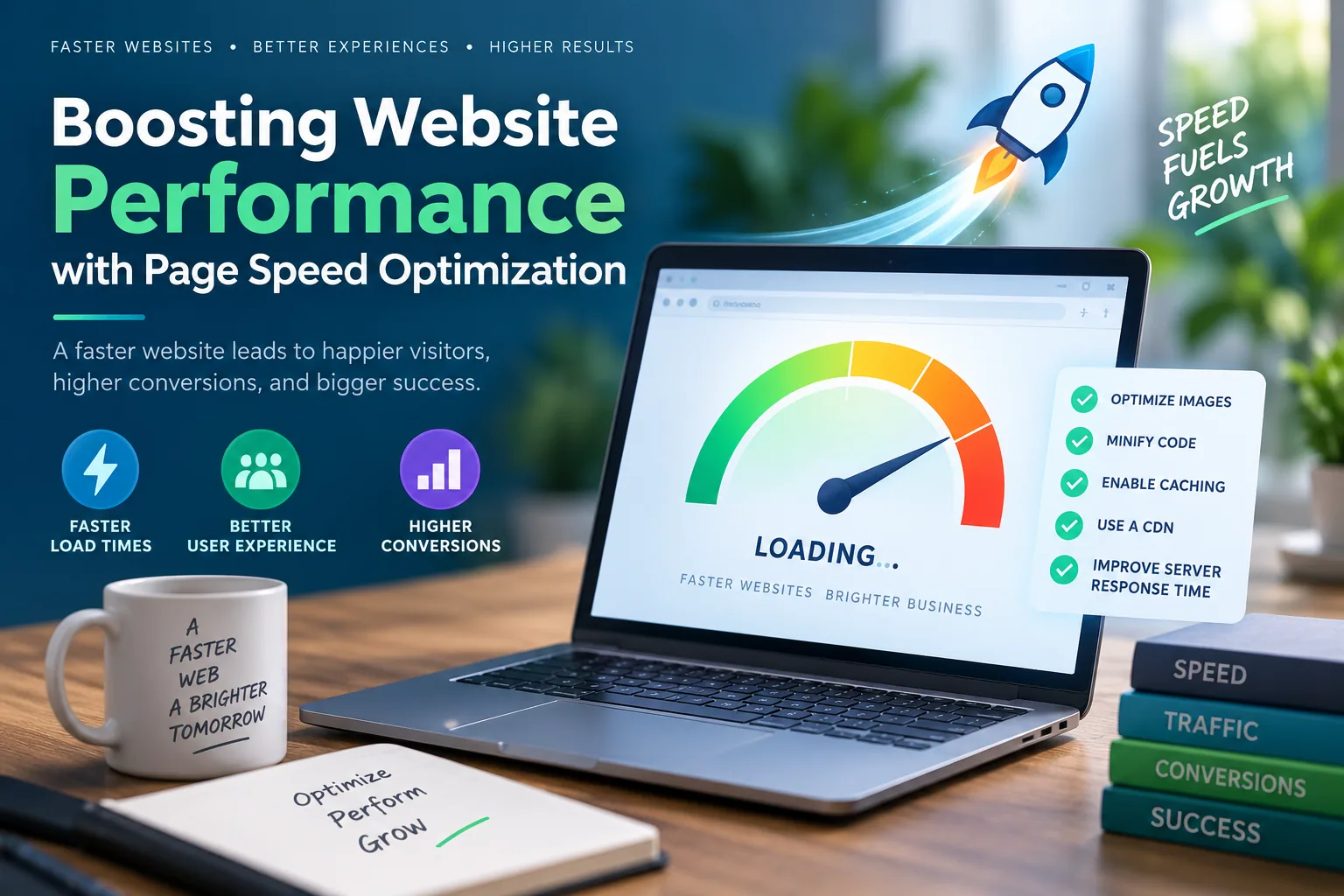
A one-second delay in load time can reduce conversions by 7%. Slow pages not only frustrate users but get punished by search engines. That's why performance needs to be a design discussion from the start — not just a developer's headache later.
Improve Load Speed With:
- Lazy loading for images below the fold
- Using system fonts or lightweight web fonts
- Minifying CSS and JavaScript files
- Compressing media assets (especially background videos)
- Reducing unnecessary plugins or third-party scripts
Speed is usability. And usability is sales.
Microinteractions: Small Touches That Build Delight
Ever noticed how a subtle hover animation or button bounce makes an interface feel alive?
These are microinteractions — tiny design moments that guide, delight, and affirm a user’s action.
Examples include:
- A heart icon animating when clicked
- A progress bar filling up as you scroll
- A tooltip appearing on hover
While not essential to function, these details improve user feedback, reduce friction, and increase engagement — especially when layered over a strong design system.
Design Systems: Your Site’s DNA
A design system isn’t a set of templates — it’s a set of rules. It’s what keeps your typography, spacing, button styles, and color palette consistent across pages and updates.
This matters more than ever as you scale. Whether you're building landing pages, updating blog content, or reworking your funnel — a reusable, consistent framework saves time and builds trust.
Consistency is not just aesthetic — it builds brand identity and allows your design team (or solo operator) to move faster and smarter.
Accessibility: Don’t Make Visitors Fight to Engage
Web accessibility isn’t just about compliance — it’s about inclusivity.
Designing with accessibility in mind means everyone, regardless of ability, can engage with your content. And it’s not just the right thing to do — it also improves SEO and usability for everyone.
Quick Wins for Accessibility
- Use sufficient color contrast (especially for text on background).
- Add alt text to all images.
- Ensure keyboard navigation works smoothly.
- Avoid motion triggers that may cause discomfort (parallax, auto-scrolling).
- Label forms and buttons clearly.
Structure for Scannability
Users don’t read websites — they scan them. Good design acknowledges this.
Use a grid layout to organize content, meaningful subheadings to separate ideas, and whitespace to give the eye a break.
This doesn’t just improve readability — it enhances content-first design, where design wraps around messaging, not the other way around.
Strong layout makes good content shine. Weak layout hides it.
Build Trust, One Design Choice at a Time
Design is trust. From your hero section to your testimonials, every visual cue either strengthens or weakens your authority.
Trust indicators — such as secure payment icons, verified reviews, or professional imagery — speak volumes, especially for first-time visitors who land on a product page or home screen without context.
At Easy Ecommerce Marketing, our most successful pages balance emotional impact with first impressions — using warm imagery, clear CTAs, and social proof to create confidence early in the journey.
CTAs That Actually Get Clicked
A CTA isn’t just a button. It’s a strategic invitation to take the next step.
Your visitor should never have to wonder:
- What happens if I click this?
- Is this the next logical step?
- Why should I care right now?
Strong CTAs answer all of that—visually and verbally.
Crafting Better CTAs
- Use action-driven language: Start with verbs like Get, Start, Discover, or Claim.
- Communicate value, not just actions: e.g., Get My Free Strategy Audit beats Submit.
- Ensure high contrast and clear placement in the layout.
- Keep proximity in mind—place CTAs near relevant copy to increase relevance.
At Easy Ecommerce Marketing, we offer a free audit CTA that is front and center, above the fold. Why? Because it's specific, value-based, and removes risk for the user.
Conversion Optimization: Designing for Behavior
Designers often obsess over aesthetics while ignoring analytics. But to convert, a website needs to respond to how people behave, not just how it looks.
Conversion optimization means:
- Testing different versions of CTAs and layouts (A/B testing).
- Tracking scroll depth to understand scroll behavior.
- Using heatmaps to study click behavior and hover patterns.
- Adapting page structure based on where people actually drop off or engage.
A high-converting website listens, adjusts, and evolves—like a good conversation.
The Psychology of Structure: Proximity, Alignment, Repetition
Design is psychological. How information is grouped, spaced, and styled affects how users interpret it.
Proximity
Place related items close together (e.g., testimonial + product = trust).
Separate unrelated elements to avoid confusion.
Alignment
Left-align text for easier readability.
Keep CTAs and buttons consistently placed to reduce decision fatigue.
Repetition
Use repeating elements (button styles, headers, section breaks) to create predictability.
Predictability increases trust—and trust fuels conversions.
These principles are why our services page uses uniform modules for different offers. It's easier to compare, skim, and act—because the design supports the content.
Design That Evokes Emotion
Emotional impact isn't fluff. It’s strategic.
It starts with:
- Relevant imagery (faces, environments, success indicators)
- Warm, consistent brand colors
- Copy that mirrors the user's pain points and aspirations
Your hero section isn't just a visual element—it's a conversation starter. When a visitor lands on your site, they’re asking:
Can I trust you? Do you understand what I need? Are you worth my time?
Design answers with:
- Confident visuals
- Strategic typography
- Clear value prop + CTA
Get that part wrong, and even the best funnel won’t recover.
Real-World Example: Bringing It All Together
Let’s walk through a practical design structure inspired by what we use at Easy Ecommerce Marketing:
Homepage Flow:
- Hero section: A powerful headline, emotional image, and single high-converting CTA.
- Trust indicators: Logos, reviews, case studies, or security badges.
- Service overview: Cards or rows with imagery, short blurbs, and CTA links.
- Testimonials: Quotes from real clients, styled consistently, placed strategically.
- Conversion block: Another strong CTA—this time reinforced with benefits.
- Footer: Clean, useful links, support info, and newsletter opt-in.
This layout is driven by content hierarchy, visual balance, and user journey awareness. It’s easy to scan, easy to act, and easy to trust.
Final Thought: The Best Design Disappears
Users don’t come to admire your site. They come to solve a problem, answer a question, or move closer to a goal.
The best design supports this journey without calling attention to itself.
Your site should:
- Work fast.
- Feel natural.
- Speak clearly.
- Respond to all devices.
- Guide, not distract.
And when in doubt? Strip it back. Lean on simplicity, focus on functionality, and let your content and offer shine.
Ready to Apply This?
If your site could use a sharpened layout, stronger CTAs, or an upgrade in structure and clarity, our team can help. Visit Easy Ecommerce Marketing to learn how we help brands turn browsers into buyers through design that performs.
Or, if you want to get a real sense of how your current site stacks up, request your free audit today.
Let your design do the selling.
Frequently Asked Questions (FAQ)
1. What is the difference between web design and web development?
Web design focuses on the visual and user experience aspects of a website—such as layout, typography, color, and interaction design. Web development, on the other hand, involves coding and functionality—bringing the design to life through front-end (HTML/CSS/JavaScript) or back-end (databases, APIs) programming.
2. How often should I update my website design?
A full redesign is typically needed every 2–3 years to stay modern and competitive. However, incremental updates—like improving page structure, updating imagery, or refreshing typography—can and should happen more frequently based on performance data and user feedback.
3. Should I use a website builder or hire a designer?
It depends on your needs and resources. Website builders (like Shopify, Squarespace, or Webflow) are great for quick, budget-friendly launches. But if you want a custom, scalable, and conversion-focused site, especially for ecommerce or SaaS, hiring a professional designer or agency is often the better investment.
4. What role does SEO play in website design?
A lot. Design decisions affect on-page SEO, including site speed, mobile-friendliness, heading structure, image optimization, and crawlability. A well-designed site helps search engines index content effectively, improving your chances of ranking well.
5. How do I test if my website design is effective?
Use tools like:
- Google Analytics to track engagement and bounce rates.
- Heatmaps (e.g., Hotjar, Crazy Egg) to see where users click and scroll.
- A/B testing platforms (e.g., Optimizely) to test variations of design elements like CTAs, headlines, and layouts.
6. What’s the ideal number of pages for a website?
There’s no fixed number—it depends on your goals. A typical small business website includes:
- Homepage
- About
- Services or Products
- Blog or Resources
- Contact
Each page should serve a clear purpose, and more pages don't mean better design unless they support the user journey.
7. What are some common mistakes to avoid in website design?
- Using poor color contrast or unreadable fonts
- Overcomplicating navigation
- Slow page load times
- Inconsistent styling across pages
- Not optimizing for mobile
- Neglecting accessibility standards
8. Is a blog still important in modern website design?
Yes. A blog supports SEO, builds trust, and demonstrates authority. It’s also a great tool for educating your audience and keeping your site fresh. Be sure it matches your brand style and doesn’t look like an afterthought in your design.
9. How do I choose the right images for my website?
Prioritize high-quality, relevant, on-brand images. Avoid overused stock photos. Use images that tell a story, support your message, and are optimized for fast loading. Always include descriptive alt-text for accessibility and SEO.
10. Can good design really increase sales or conversions?
Absolutely. A well-designed website improves trust, guides users toward conversion goals, and removes friction from the buying process. Strong design is not just visual—it’s strategic. From layout to CTA placement, every element can influence sales.