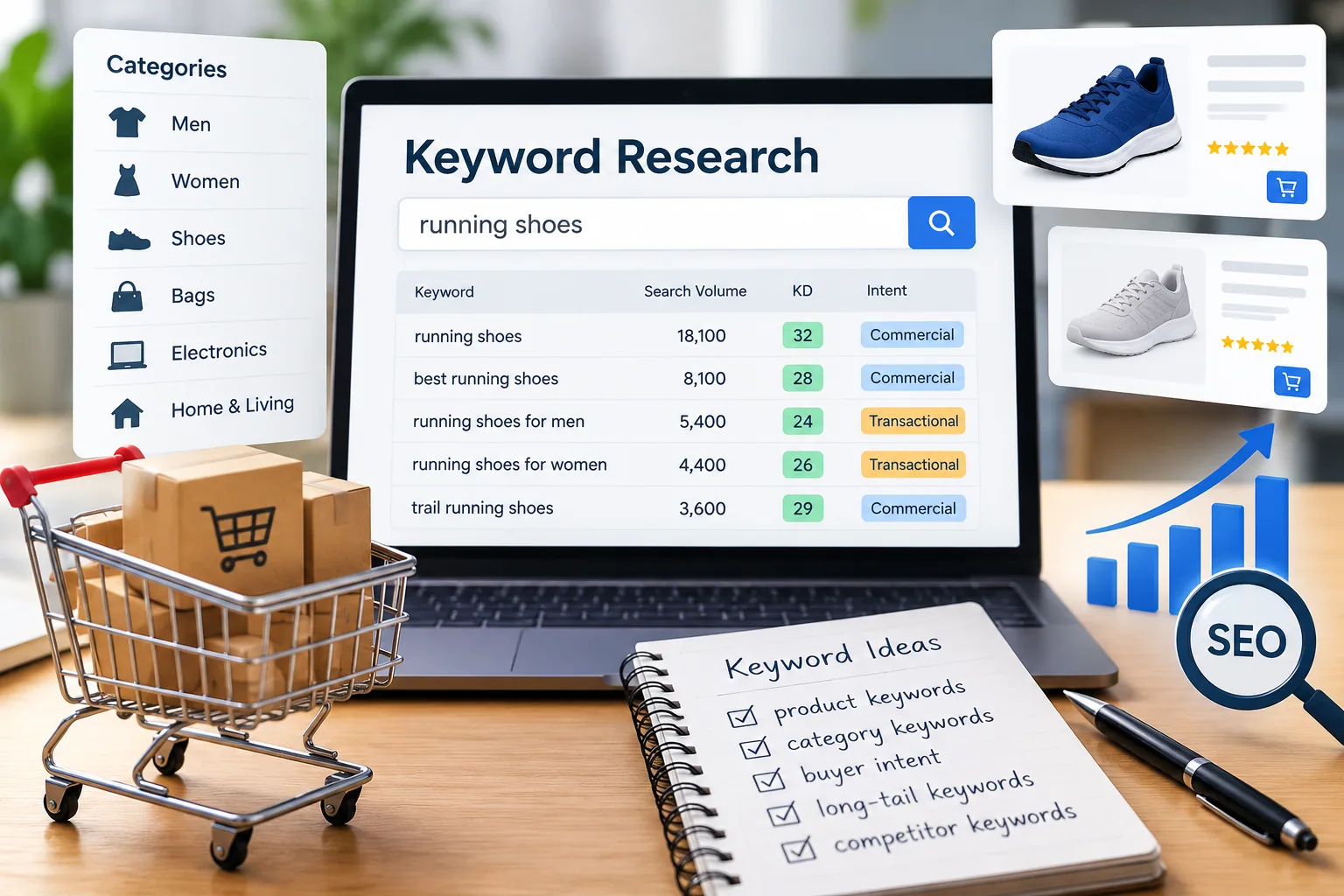
What are the most effective SEO techniques front-end developers can implement to improve website rankings and user experience?

Front-end developers play a pivotal role in improving both website visibility on search engines and overall user experience. This article explores practical, actionable SEO techniques that developers can implement to achieve faster load times, optimized page structures, and seamless navigation. From responsive design principles to meta tag usage, the insights shared here will help elevate your website’s performance in search engine results while enhancing user engagement.
Understanding the Connection Between Front-End Development and SEO
Search engines, especially Google, prioritize user experience as a major ranking factor. Front-end developers are uniquely positioned to influence this through website speed, accessibility, and mobile responsiveness.
Effective SEO begins at the code level. A site with clean, efficient code structure and clear navigation not only improves crawling efficiency for search engines but also creates a smooth experience for users. Page load speed, structured data, and SEO-friendly URLs are some of the first things developers should focus on.
"SEO is no longer just about keywords; it’s about creating seamless, intuitive user experiences that search engines love." — Easy E-Commerce Marketing
For a free evaluation of your current website’s SEO performance, consider getting a freeaudit from Easy E-Commerce Marketing.
The Foundations of Front-End SEO: HTML Semantics and Meta Tags
Using semantic HTML not only makes your code more readable and maintainable but also improves your SEO rankings. Semantic elements like <header>, <main>, and <footer> give search engines better context about your content.
Why Meta Tags and Descriptions Matter
Meta tags serve as a critical bridge between your website and search engines. Properly crafted meta descriptions increase your click-through rate (CTR) from search engine results pages (SERPs). Here’s what to keep in mind:
- Use relevant keywords naturally in your meta titles and descriptions.
- Keep your descriptions within 155 characters.
- Include unique descriptions for each page to avoid duplicate content penalties.
Example:
<meta name="description" content="Discover effective SEO techniques front-end developers can implement to improve rankings and user experience.">
SEO-Friendly URLs and Internal Linking
The URL structure of your site has a direct impact on how search engines perceive your pages. SEO-friendly URLs are descriptive, easy to read, and avoid unnecessary parameters.
For example:
✅ Good URL: https://easyecommercemarketing.com/services
❌ Bad URL: https://easyecommercemarketing.com/?page=12345
Additionally, implementing an effective internal linking strategy helps users navigate your site more easily while signaling to search engines which pages hold the most importance.
💡 Tip: When creating internal links, make sure they are contextually relevant. For example, linking to your servicespage from relevant blog content is a smart way to increase traffic flow across your website.
Page Load Speed Optimization: Why It’s a Game-Changer
Slow websites are a major turn-off for both users and search engines. Page load speed optimization is essential to improving your site’s performance in Google’s Core Web Vitals metrics, which measure:
- Largest Contentful Paint (LCP): How fast your main content loads.
- First Input Delay (FID): How responsive your site is to user interactions.
- Cumulative Layout Shift (CLS): How stable your layout is during loading.
To improve these metrics:
- Minify your CSS and JavaScript files.
- Use lazy loading for images.
- Implement a Content Delivery Network (CDN) to reduce server response time.
If you want to see how your website currently performs on these metrics, check out tools like PageSpeed Insights or request a freeaudit to identify areas of improvement.
Responsive Web Design and Mobile Optimization
With mobile devices accounting for over 60% of all web traffic, creating a mobile-friendly design is no longer optional—it’s a necessity. Responsive web design ensures your site looks great and functions well across all screen sizes.
Here’s how to optimize for mobile:
- Use the viewport meta tag to ensure proper scaling on different devices.
Example:
<meta name="viewport" content="width=device-width, initial-scale=1.0">
- Optimize navigation menus for mobile devices.
- Ensure your call-to-action (CTA) buttons are easily tappable.
Mobile optimization also contributes to better rankings in Google’s mobile-first indexing. If your site isn't optimized for mobile yet, it's time to prioritize it.
Implementing Structured Data and Schema Markup
One of the most effective ways to help search engines understand your content is by using structured data. Schema markup provides additional context to search engines, enabling them to display rich snippets in search results. Rich snippets enhance your site's visibility by showing extra information like ratings, product prices, and availability.
Why Structured Data Matters for SEO
- Improves your site's appearance in SERPs by displaying rich results.
- Increases click-through rates (CTR) by providing users with more relevant information.
- Helps search engines categorize your content more accurately.
Here’s a simple example of structured data for a product page:
{"@context":"https://schema.org/","@type":"Product","name":"SEO Guide for Developers","image":"https://easyecommercemarketing.com/images/seo-guide.jpg","description":"A comprehensive guide on SEO techniques for front-end developers.","brand":"Easy E-Commerce Marketing","offers":{"@type":"Offer","priceCurrency":"USD","price":"29.99"}}
For more advanced schema markup tips, refer to our servicespage, where we outline technical SEO services.
Accessibility: The Overlooked SEO Factor
Web accessibility is critical for both user experience and SEO. Making your site accessible to users with disabilities improves engagement and ensures compliance with WCAG standards. Additionally, Google considers accessibility factors when ranking pages.
Key Accessibility Enhancements for SEO
- Use ARIA (Accessible Rich Internet Applications) tags to provide additional context to screen readers.
- Ensure your color contrast is sufficient for visually impaired users.
- Make all interactive elements, such as buttons and forms, keyboard navigable.
- Provide alt attributes for images, which help search engines understand the content of your images.
"Accessibility is not just good ethics—it’s good SEO." — Easy E-Commerce Marketing
💡 Pro Tip: Use tools like Google Lighthouse to audit your site’s accessibility and performance.
Internal Linking Strategy to Improve Navigation and Crawlability
Internal links serve two key purposes:
- They guide users through your site.
- They help search engines understand the relationship between pages.
An effective internal linking strategy improves your site's navigation and helps reduce bounce rates by encouraging users to explore more pages. For example, linking to your free audit page can help users discover additional services you offer.
When creating internal links, follow these best practices:
- Use descriptive anchor text.
Instead of generic phrases like "click here," use anchor text that clearly describes the linked page's content. - Limit the number of links on each page.
Avoid overwhelming users (and search engines) with too many links.
Example of good internal linking in context:
For more information on optimizing your website for search engines, visit our freeauditpage.
Reducing Bounce Rates with Engaging UX
A high bounce rate indicates that users leave your site without interacting further, which can negatively impact your SEO rankings. Here are a few tips to reduce bounce rates and keep users engaged:
How to Reduce Bounce Rates:
- Improve page load speed.
No one likes waiting for a slow site to load. Optimize your site's speed by compressing images, minifying CSS/JavaScript, and enabling browser caching. - Ensure clear navigation.
Users should be able to find what they’re looking for within seconds. Implement breadcrumb navigation to help users understand their current location on your site. - Use engaging, scannable content.
Break content into smaller sections with clear headings, bullet points, and images.
💡 Did You Know? Sites that implement breadcrumb navigation see higher engagement and lower bounce rates. Breadcrumbs also improve search engine crawling efficiency.
Security and HTTPS: Building Trust and SEO Credibility
Google considers HTTPS a minor ranking factor, but its impact on user trust is significant. Sites with HTTPS provide a secure connection, which users increasingly expect.
Benefits of HTTPS for SEO and User Experience:
- Improves security and privacy.
HTTPS encrypts data, preventing interception by malicious third parties. - Builds user trust.
Users are more likely to engage with a site that displays a secure connection. - Avoids ‘Not Secure’ warnings.
Browsers like Chrome flag non-HTTPS sites, which can scare away potential visitors.
To learn more about how to secure your website, visit EasyE-CommerceMarketing.
Core Web Vitals: What They Are and Why They Matter
Core Web Vitals are key performance metrics that Google uses to evaluate user experience. They focus on three critical areas:
- Largest Contentful Paint (LCP) – Measures the time it takes for the largest visible element to load.
✅ Target: Less than 2.5 seconds. - First Input Delay (FID) – Measures how quickly a page responds to user interactions (e.g., button clicks).
✅ Target: Less than 100 milliseconds. - Cumulative Layout Shift (CLS) – Measures visual stability, preventing content from shifting unexpectedly.
✅ Target: Less than 0.1.
How to Improve Core Web Vitals
- Minimize CSS and JavaScript.
Use tools like Google PageSpeed Insights to identify large files and reduce their size. - Implement lazy loading.
This technique defers the loading of images until they’re needed, improving initial page load speed. - Use a Content Delivery Network (CDN).
CDNs distribute your site’s content across multiple servers worldwide, reducing load times for users in different regions.
"Core Web Vitals are a direct ranking factor. Prioritizing them means prioritizing your users." — Easy E-Commerce Marketing
For a comprehensive audit of your Core Web Vitals performance, check out our freeauditpage.
Mobile-First Indexing: A Must for SEO Success
With mobile-first indexing, Google primarily uses the mobile version of a website to determine its rankings. This shift reflects the growing dominance of mobile users in web traffic.
Best Practices for Mobile-First Indexing
- Ensure your site is fully responsive.
A responsive web design adapts your site to different screen sizes and devices without compromising functionality. - Optimize navigation for touch devices.
Ensure that buttons, links, and menus are easy to use on mobile screens. - Reduce mobile load times.
Use tools like Google Lighthouse to test your mobile performance and identify areas for improvement.
💡 Pro Tip: Implement the viewport meta tag to control your site’s scaling on mobile devices.
<meta name="viewport" content="width=device-width, initial-scale=1.0">
To see how mobile-friendly your site is, visit Google’s Mobile-Friendly Test or get insights from our servicespage.
Reducing Bounce Rates with Engaging Content and Visuals
Users leaving your site quickly is a clear sign that your content or performance needs improvement. Reducing bounce rates can improve engagement metrics, signaling to Google that your content is valuable.
Tips to Reduce Bounce Rates:
- Use engaging visuals like high-quality images and videos, but optimize their sizes to avoid slowing down your site.
- Structure your content with clear headings and subheadings.
Use H1, H2, and H3 tags to organize your content and improve readability. - Improve internal linking to guide users to other relevant pages on your site. For example, linking to your servicespage encourages users to explore more of your offerings.
Advanced SEO Techniques for Front-End Developers
1. Image Optimization for SEO
Images are often overlooked in SEO, but they play a huge role in page load speed and engagement. Proper image optimization can drive more traffic through Google Image Search and improve overall performance.
Best Practices:
- Compress images without sacrificing quality using tools like TinyPNG.
- Use descriptive, keyword-rich file names for images.
- Add alt attributes to improve accessibility and help search engines understand the content of your images.
Example:<img src="seo-techniques.jpg" alt="Effective SEO techniques for front-end developers">
2. HTML5 and Clean Code
Using HTML5 best practices ensures your site is structured properly for both users and search engines. Clean, semantic code improves crawling efficiency and helps avoid errors that could hurt your rankings.
Key tips for clean code:
- Use semantic HTML elements like
<article>,<section>, and<aside>. - Avoid inline CSS and JavaScript, as they can slow down your site.
3. Preventing Content Blocking Resources
Ensure that CSS, JavaScript, and images are not blocked from Google’s crawlers. If these resources are blocked, it can hinder Google’s ability to fully understand your site’s content.
Check your robots.txt file to ensure that important resources are not being restricted.
# Example robots.txt User-agent: * Disallow: /private/
Security and HTTPS: Building Trust with Users
Security is a major factor in both SEO and user trust. HTTPS encrypts data and protects users from potential threats, which is why Google uses it as a ranking signal.
Steps to Implement HTTPS:
- Get an SSL certificate from your hosting provider.
- Redirect all HTTP pages to HTTPS using a 301 redirect.
Example of a 301 redirect rule in .htaccess:
RewriteEngine On RewriteCond %{HTTPS} off RewriteRule ^(.*)$ https://%{HTTP_HOST}/$1 [R=301,L]
Final Thoughts on SEO for Front-End Developers
The intersection of front-end development and SEO is all about creating a fast, engaging, and user-friendly experience. By implementing the techniques outlined in this article—from optimizing Core Web Vitals to enhancing mobile performance—you can significantly improve your website’s visibility in search results.
Take the next step by exploring our services or request a freeaudit to identify areas for improvement on your website.
What Are the Most Effective SEO Techniques Front-End Developers Can Implement to Improve Website Rankings and User Experience?
Here’s a list of frequently asked questions that front-end developers often have about implementing SEO techniques to improve both website rankings and user experience. These questions address common concerns that were not covered in the main body of the article.
1. How Does Lazy Loading Impact SEO and User Experience?
Answer:
Lazy loading improves page load speed by deferring the loading of images and other media until they are needed. This technique reduces initial page load times, which is crucial for Core Web Vitals, particularly Largest Contentful Paint (LCP). By improving load speed, lazy loading can positively impact search rankings and bounce rates, leading to a better user experience.
However, it's important to ensure that all lazy-loaded images and content are crawlable by search engines. Use loading="lazy" and provide alt attributes to maintain SEO best practices.
2. Should Front-End Developers Focus on AMP (Accelerated Mobile Pages)?
Answer:
AMP (Accelerated Mobile Pages) is a framework designed to make mobile pages load faster by using a stripped-down version of HTML. While AMP can improve mobile performance, it's no longer a critical ranking factor. Google now focuses more on Core Web Vitals and mobile-first indexing.
Front-end developers should prioritize responsive web design and page speed optimization before considering AMP. However, AMP can still be beneficial for content-heavy sites like blogs or news portals.
3. How Do Canonical URLs Help with SEO?
Answer:
Canonical URLs are essential for managing duplicate content. When multiple URLs have similar or identical content, using a canonical tag (<link rel="canonical" href="URL">) tells search engines which version is the preferred page.
This prevents search engines from splitting ranking signals across multiple URLs and ensures that the most authoritative version of the content ranks in search results. It also improves crawl efficiency, ensuring that search engines spend their resources on important pages.
4. What Role Does Cross-Browser Compatibility Play in SEO?
Answer:
Cross-browser compatibility ensures that your website functions correctly on different browsers (e.g., Chrome, Firefox, Safari). A site that performs poorly on certain browsers can frustrate users, leading to higher bounce rates, which negatively affects user engagement metrics—a key SEO factor.
Front-end developers should use progressive enhancement techniques and thoroughly test websites on various browsers to ensure a consistent experience across devices and browsers.
5. How Can Front-End Developers Optimize a Website for Voice Search?
Answer:
Voice search optimization requires a focus on natural language queries and structured data. Here’s how front-end developers can prepare websites for voice search:
- Implement structured data to provide context to search engines.
- Use long-tail keywords that reflect conversational queries.
- Optimize for local SEO, as many voice searches are location-based.
Additionally, page speed and mobile-friendliness are crucial, as voice searches are typically performed on mobile devices.
6. Does Using Too Much JavaScript Negatively Impact SEO?
Answer:
Excessive use of JavaScript can hinder SEO if search engines cannot properly crawl or render your site. Some common issues include:
- Blocking critical content from being indexed.
- Slowing down page load times.
- Creating non-crawlable dynamic content.
To address this, front-end developers should ensure that:
- Critical content is server-rendered.
- Use progressive enhancement to deliver core functionality without relying entirely on JavaScript.
- Implement deferred loading for non-essential scripts to improve performance.
7. How Important Are HTML Heading Tags (H1, H2, H3) for SEO?
Answer:
HTML heading tags help both users and search engines understand the structure of your content. Proper use of H1, H2, and H3 tags improves readability and keyword placement, which are essential for SEO.
Best practices include:
- Use one H1 tag per page that accurately describes the main topic.
- Use H2 and H3 tags to organize subtopics.
- Incorporate target keywords naturally into headings.
Headings also play a crucial role in voice search optimization and featured snippets.
8. What Is the Best Way to Handle 404 Errors for SEO?
Answer:
A 404 error page appears when a user tries to access a page that doesn’t exist. While occasional 404 errors are inevitable, leaving them unaddressed can harm user experience and SEO.
Best practices for handling 404 errors:
- Redirect broken URLs using 301 redirects to relevant pages.
- Create a custom 404 page that provides helpful navigation links to keep users engaged.
- Regularly audit your site for broken links using tools like Google Search Console.
9. How Can Browser Caching Improve Website Performance and SEO?
Answer:
Browser caching allows websites to store static assets (like images, CSS, and JavaScript) in the user's browser. This reduces the need to re-download resources, leading to faster load times on subsequent visits.
To enable browser caching, front-end developers can configure their web server to add expiration headers to static resources.
Example configuration for Apache:
<IfModule mod_expires.c> ExpiresActive On ExpiresByType text/css "access plus 1 month" ExpiresByType image/jpg "access plus 1 year" </IfModule>
10. How Can Sitemaps Help with SEO?
Answer:
A sitemap is a file that lists all the important pages on your website, helping search engines discover and crawl your content more efficiently.
There are two types of sitemaps:
- XML Sitemap: For search engines, listing all URLs and metadata like update frequency.
- HTML Sitemap: For users, providing easy navigation across your site.
Front-end developers should ensure their site has a properly configured XML sitemap and submit it to Google Search Console for better indexing.